
Create songs from lyrics, compose, cover songs and separate vocals/instruments with AI running locally on your own Windows PC. One-time payment, free generation and free updates for life.
🩺 ดาวน์โหลดโปรแกรมเช็กสเปกฟรี ↗⚠️ This product is in Thai.
Final sale — no refunds for change of mind · faulty files replaced · Refund policy
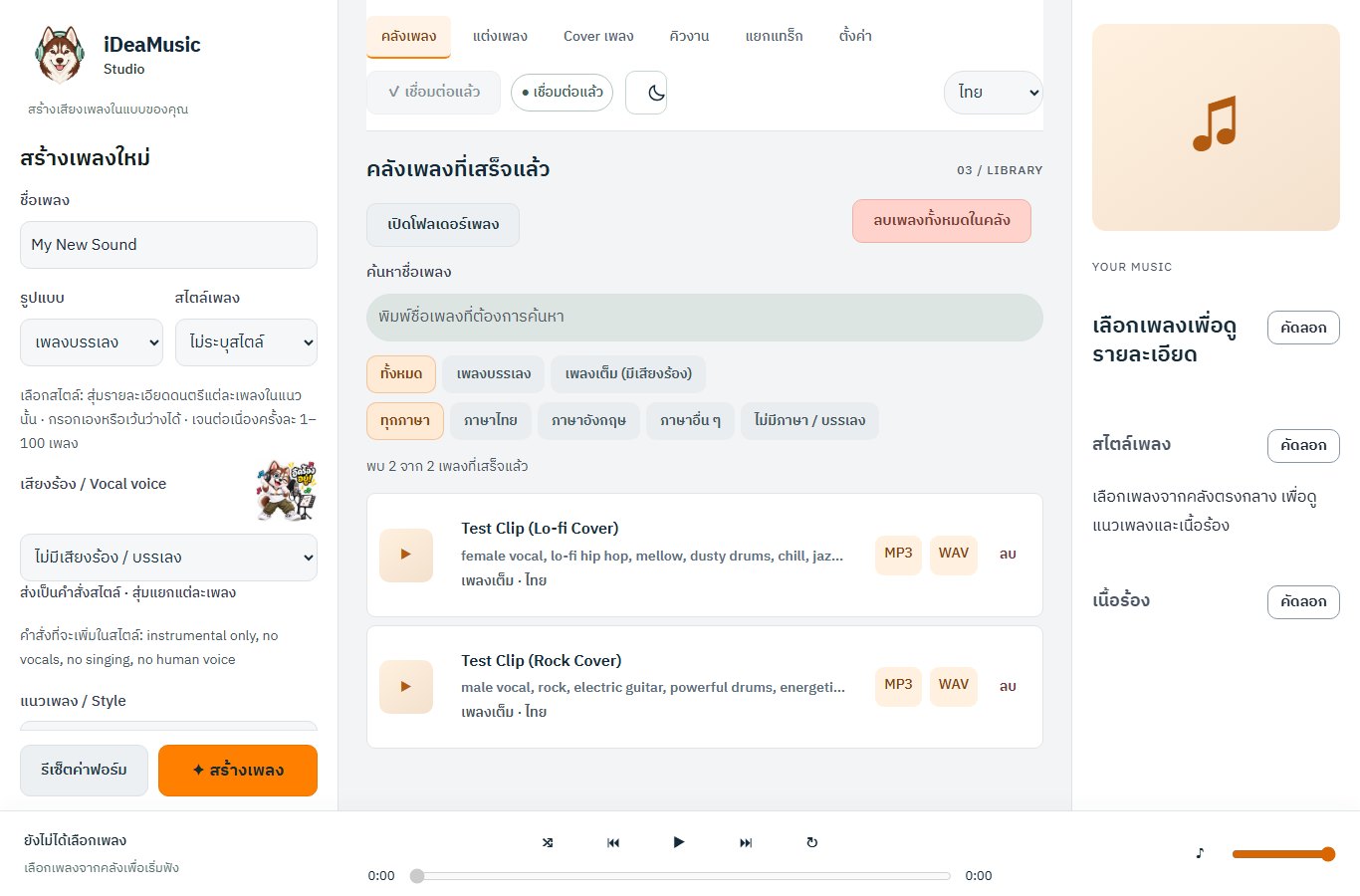
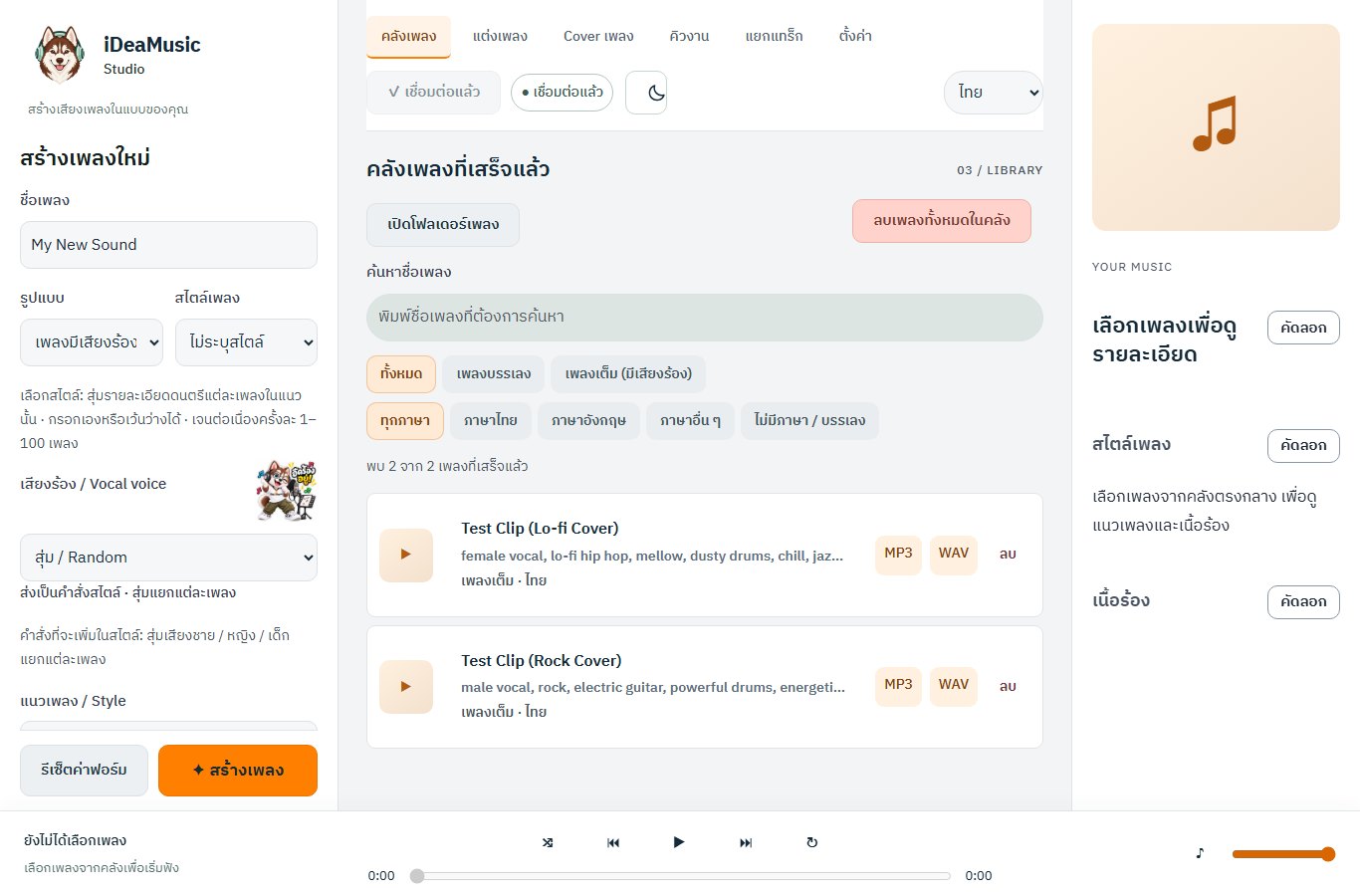
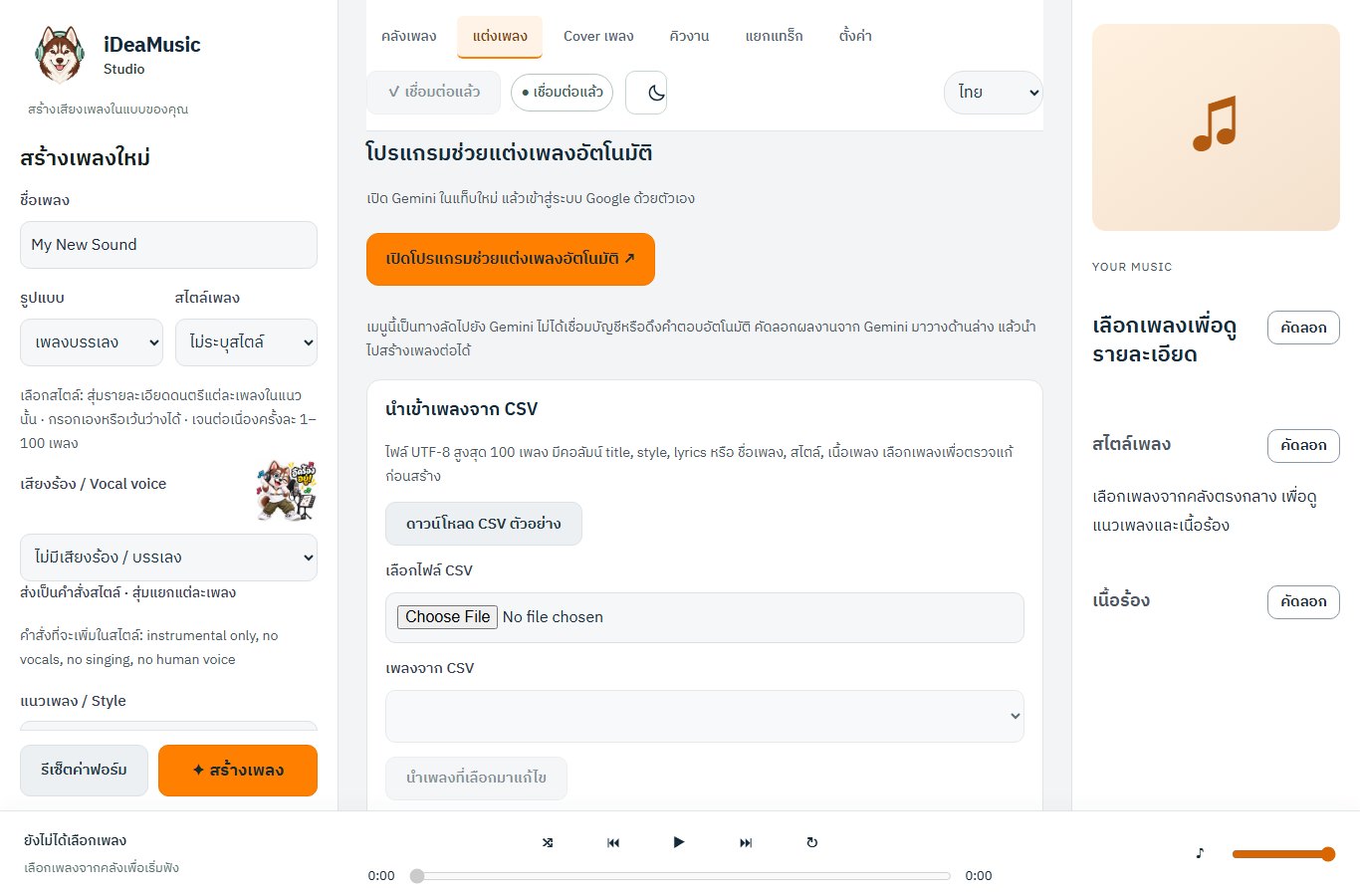
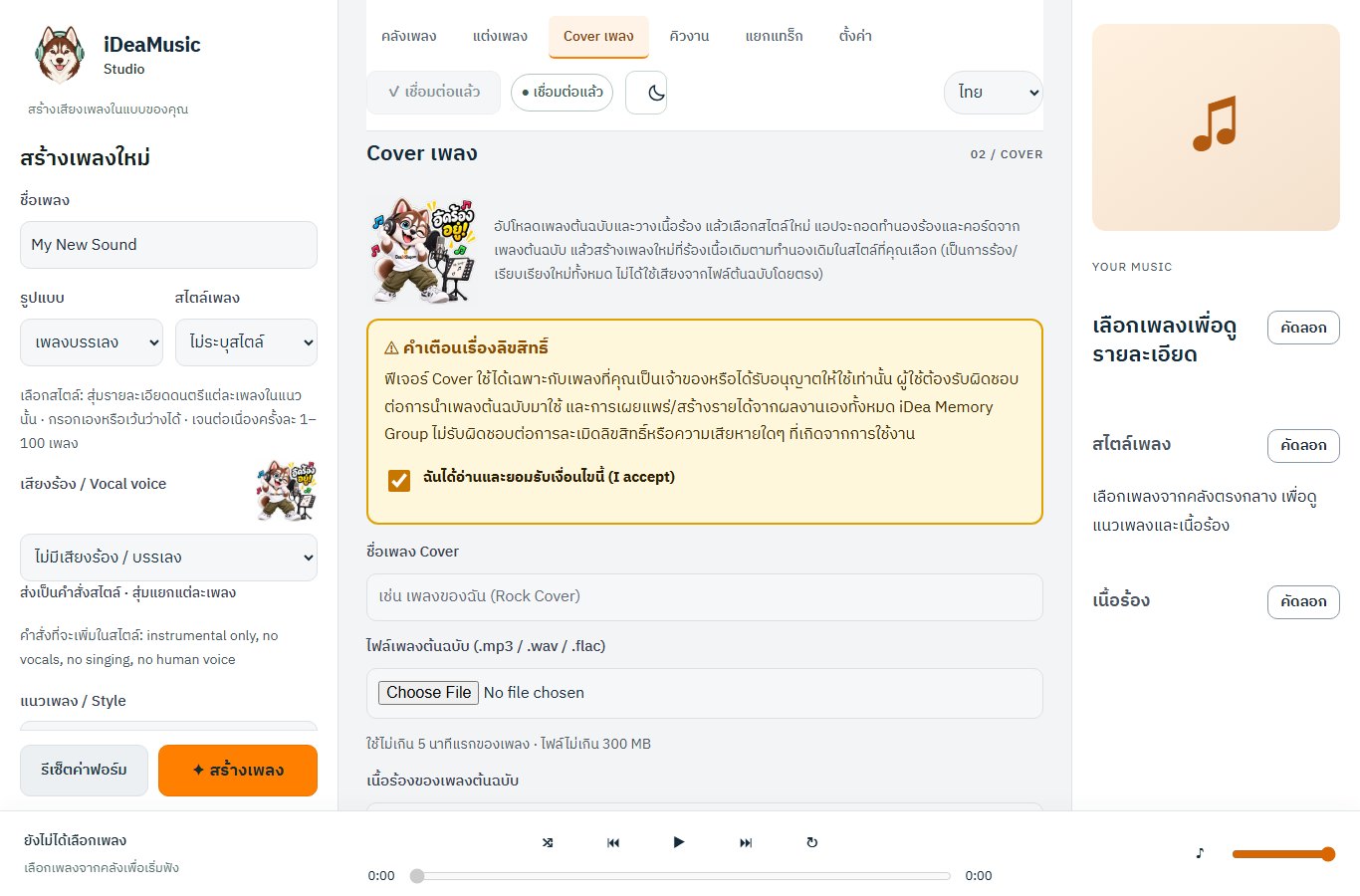
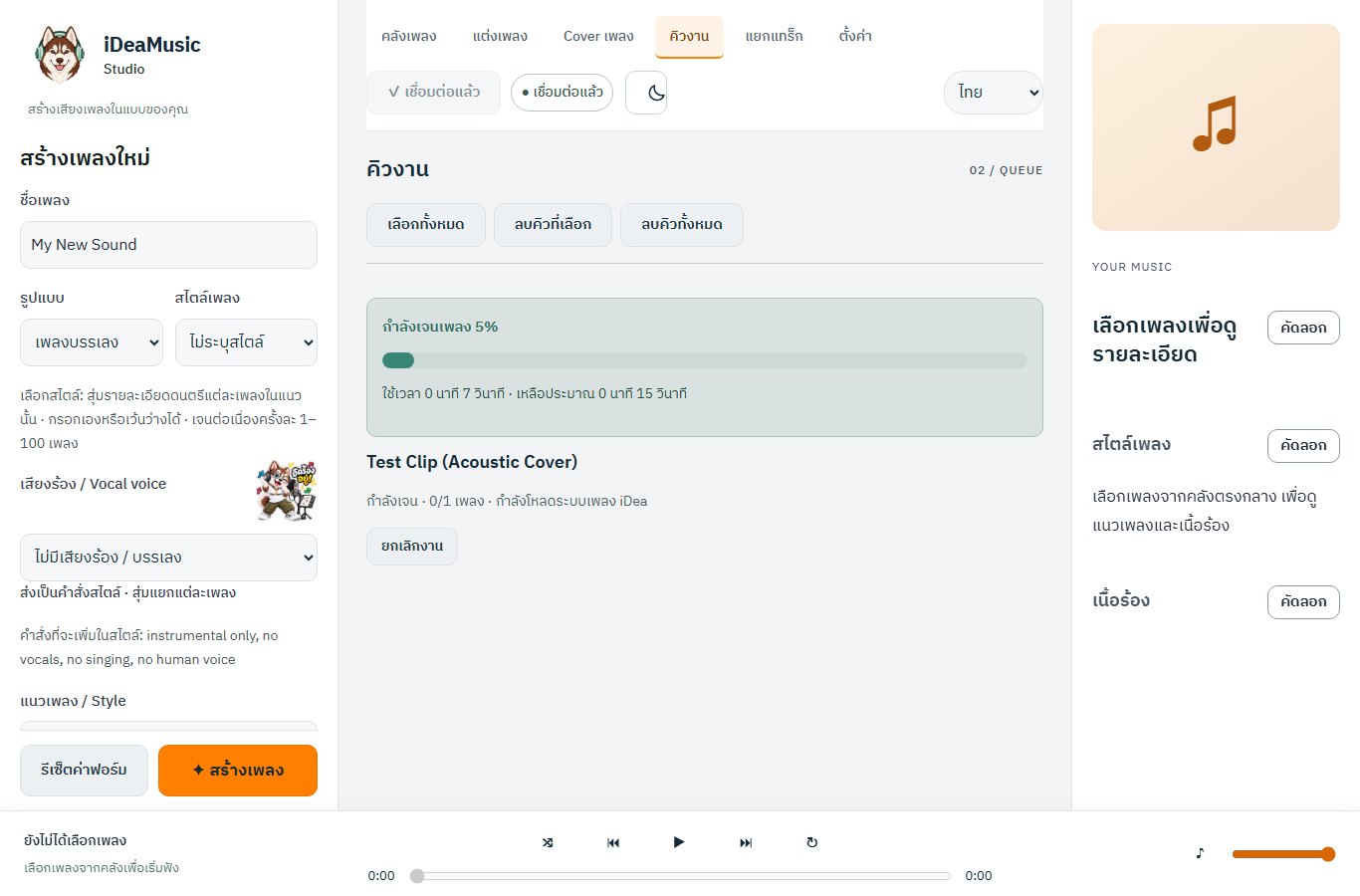
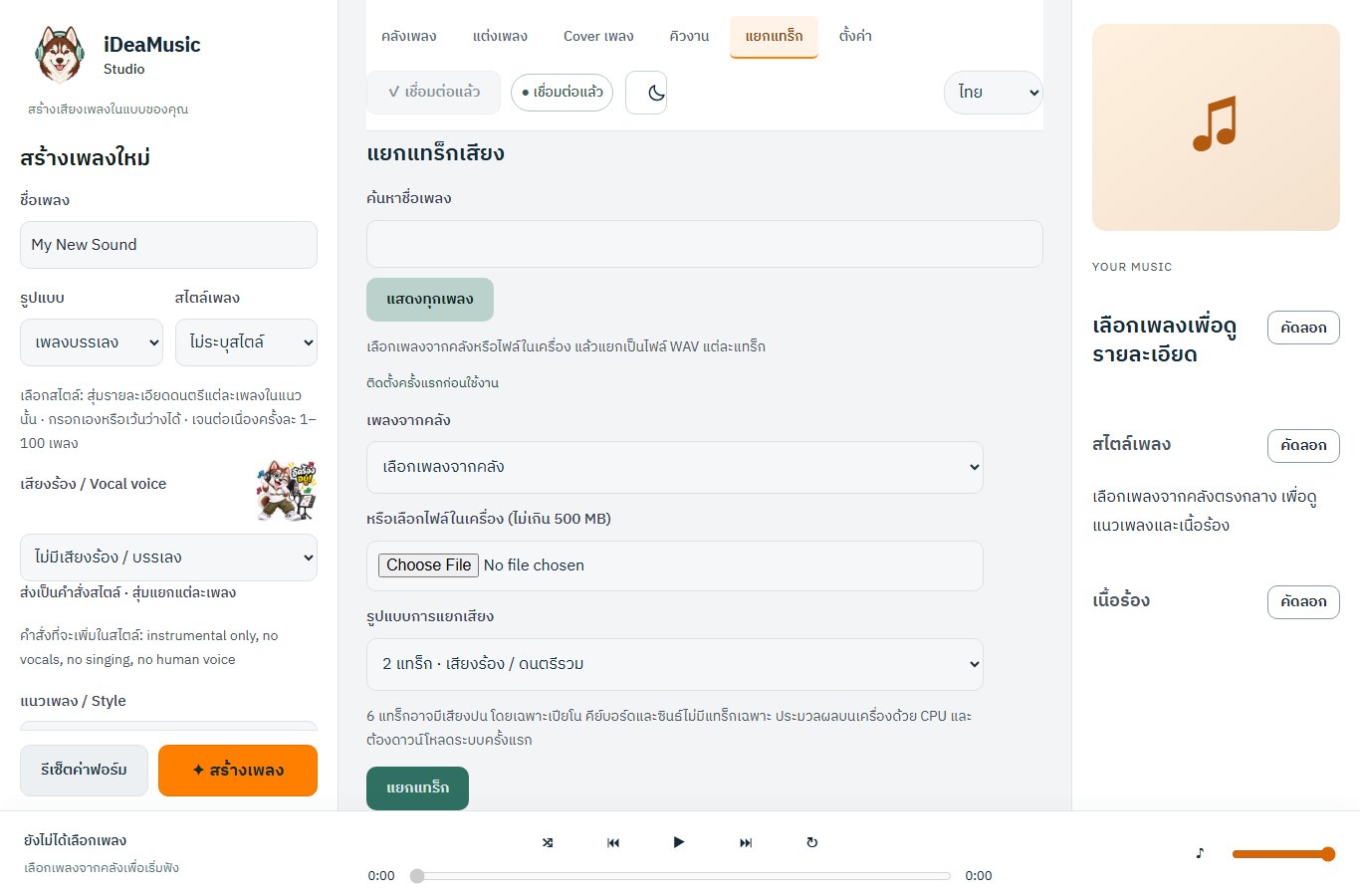
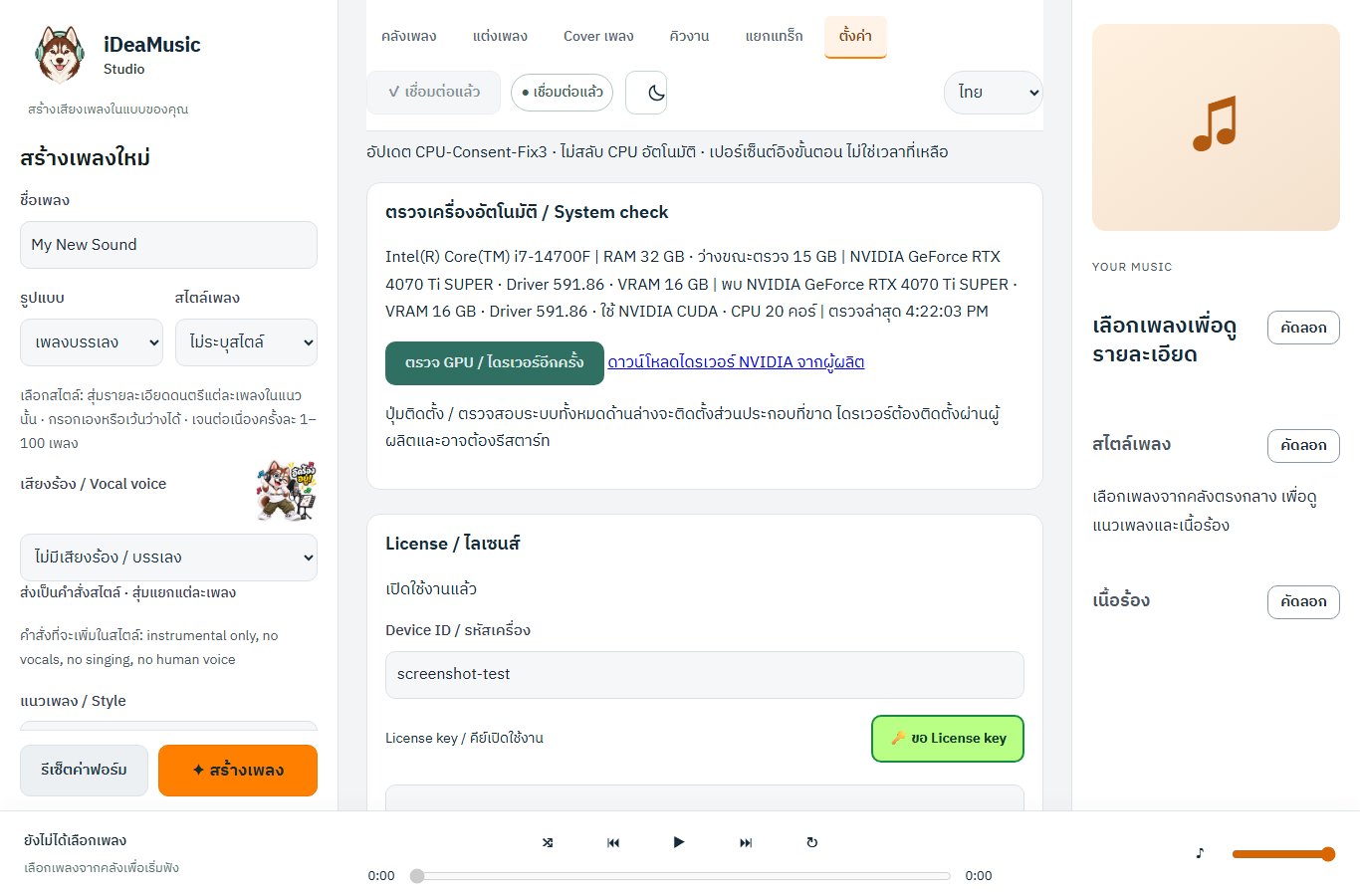
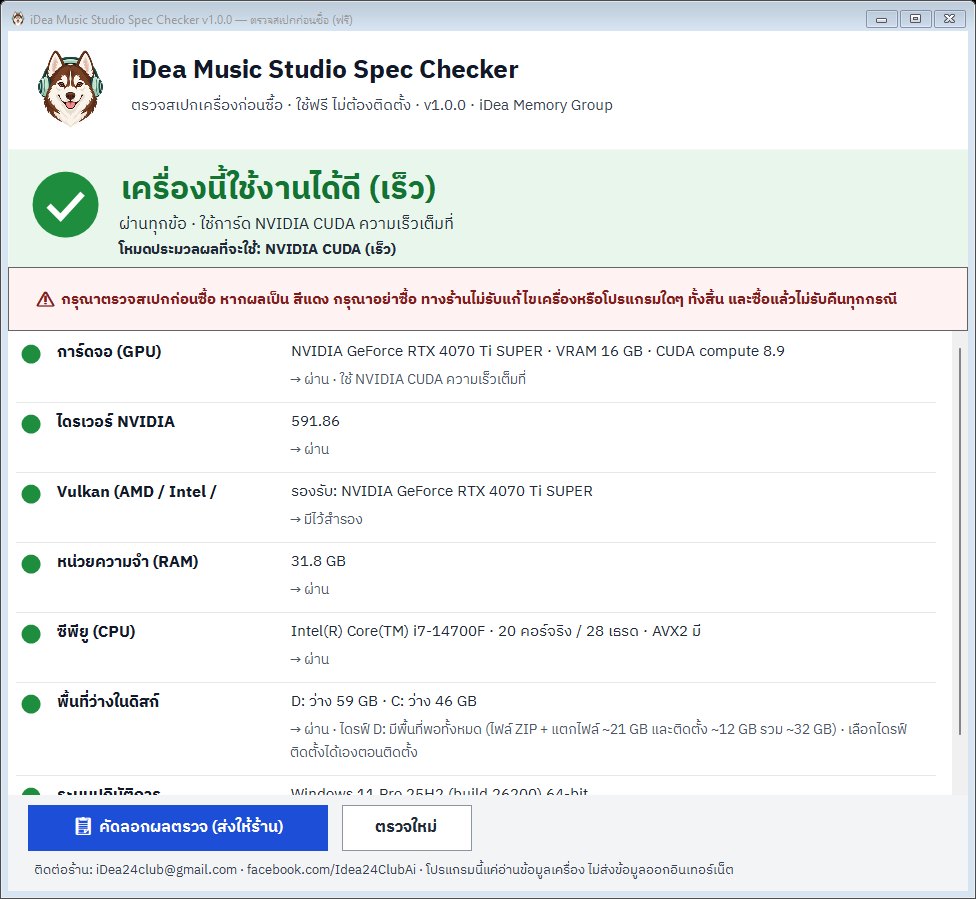
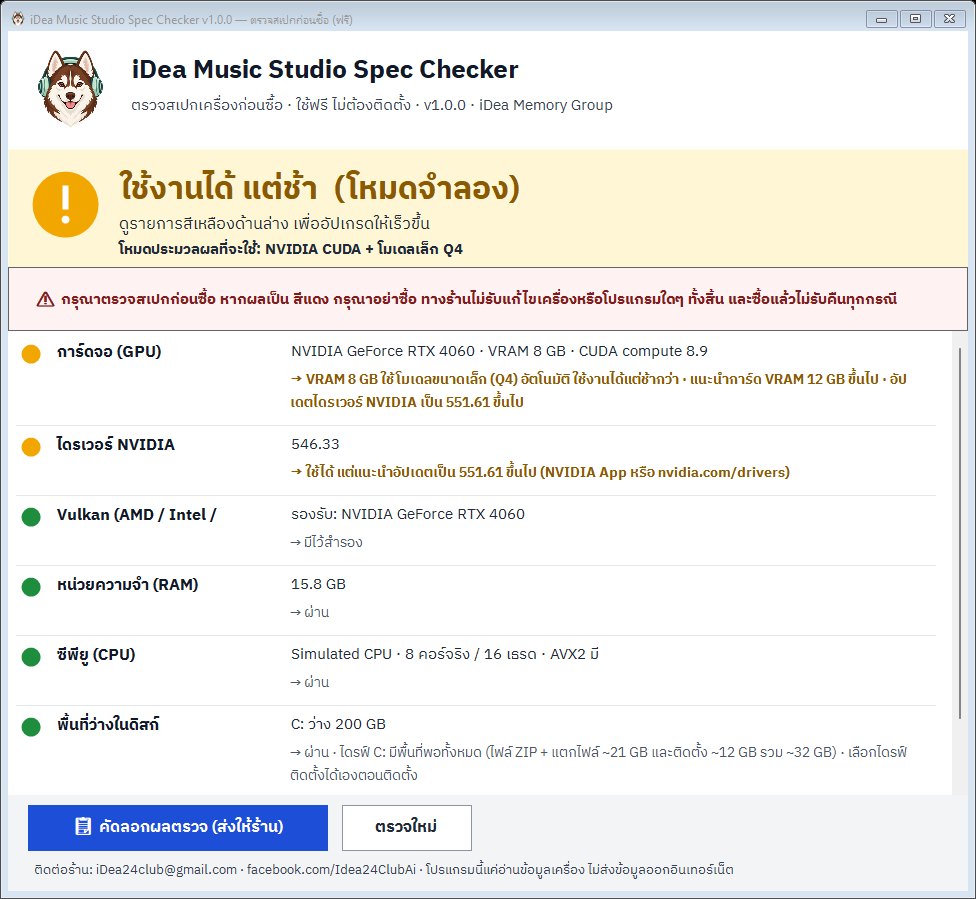
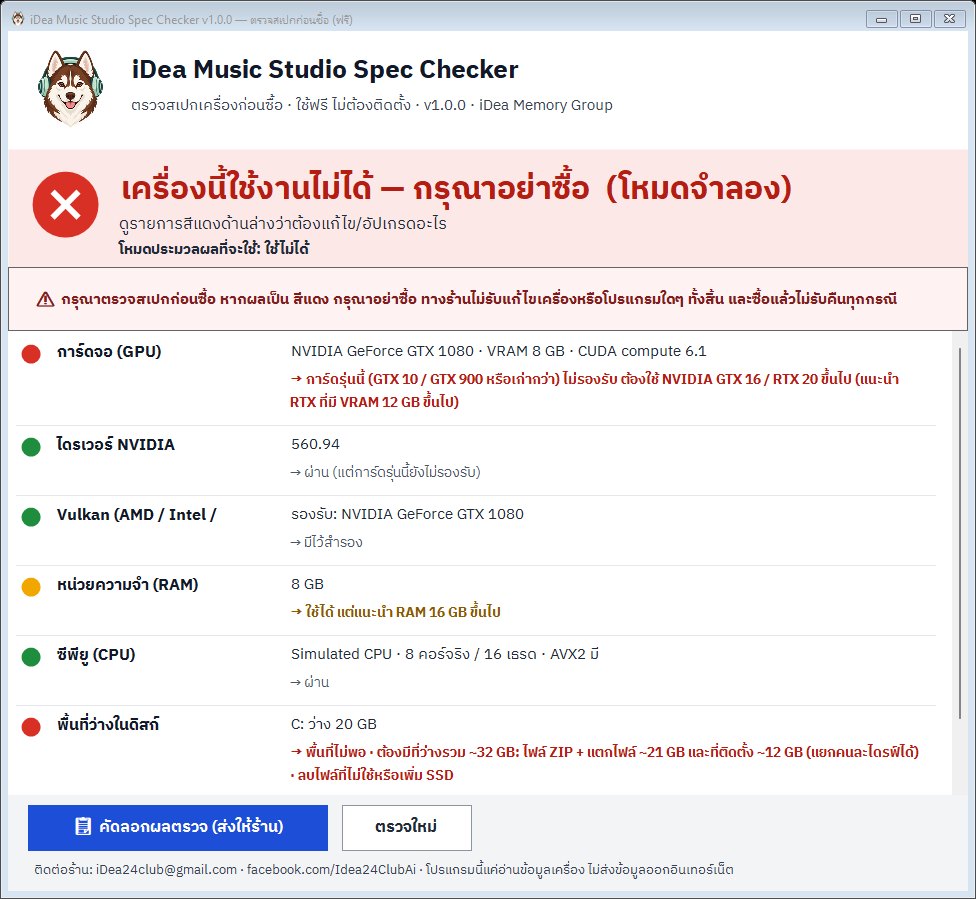
An AI music program for Windows that runs on your own PC (Thai interface). Create songs from lyrics, compose new songs, make covers and split vocals from instruments. Please check your PC with the free spec checker before buying: if the result is 🔴, do not buy. No refunds after purchase.
| รายการ | ขั้นต่ำ (🟡 ใช้ได้แต่ช้า) | แนะนำ (🟢 เร็ว) |
|---|---|---|
| การ์ดจอ / VRAM | NVIDIA GTX 16 / RTX 20 ขึ้นไป VRAM 6 GB ขึ้นไป หรือ AMD / Intel ที่รองรับ Vulkan หรือไม่มีการ์ดจอ (ใช้ CPU, ช้ามาก) | NVIDIA RTX 20 / 30 / 40 / 50 ที่มี VRAM 12 GB ขึ้นไป |
| ไดรเวอร์ NVIDIA | 527.41 ขึ้นไป (ต่ำกว่านี้จะใช้ Vulkan แทน ซึ่งช้ากว่า) | 551.61 ขึ้นไป |
| CPU | 64-bit (x64) 4 คอร์ขึ้นไป | 6 คอร์ขึ้นไป รองรับ AVX2 |
| RAM | 8 GB (เมื่อมีการ์ดจอที่รองรับ) · 16 GB (โหมด CPU) | 16 GB ขึ้นไป |
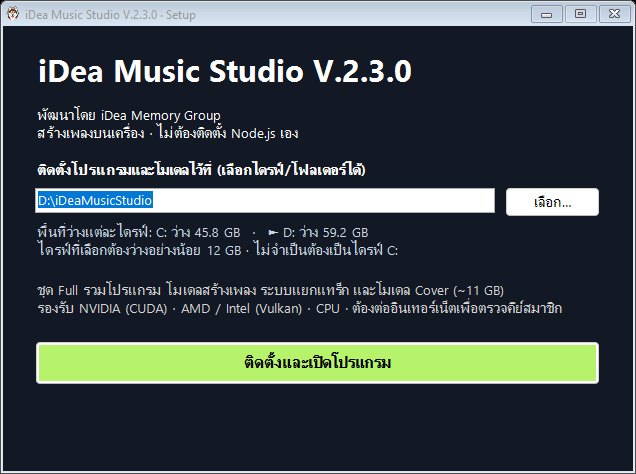
| พื้นที่ดิสก์ | ว่างรวม ~32 GB: ไฟล์ ZIP + แตกไฟล์ ~21 GB และที่ติดตั้ง ~12 GB (แยกคนละไดรฟ์ได้ · เลือกไดรฟ์ติดตั้งเองได้ ไม่จำเป็นต้องเป็น C:) | ติดตั้งบน SSD และเผื่อพื้นที่สำหรับเพลงที่สร้าง |
| ระบบปฏิบัติการ | Windows 10 64-bit | Windows 10 / 11 64-bit (อัปเดตล่าสุด) |
ความเร็วที่วัดจริง: เพลงยาว 3 นาที ใช้เวลาสร้างประมาณ 46 วินาที บน NVIDIA RTX 4070 Ti Super · เครื่องสเปกอื่นที่ได้ผล 🟡 จะช้ากว่านี้
| ประเภทเครื่อง | ผล | หมายเหตุ |
|---|---|---|
| NVIDIA RTX 20 / 30 / 40 / 50 VRAM 12 GB ขึ้นไป + ไดรเวอร์ 551.61 ขึ้นไป | 🟢 | เร็ว ใช้ CUDA เต็มที่ เช่น RTX 3060 12GB, RTX 4070, RTX 4070 Ti Super |
| NVIDIA RTX / GTX 16 VRAM 6–11 GB | 🟡 | ใช้โมเดลขนาดเล็ก (Q4) อัตโนมัติ ใช้ได้แต่ช้ากว่า เช่น RTX 4060 8GB, RTX 2060 6GB |
| NVIDIA VRAM 12 GB ขึ้นไป แต่ไดรเวอร์ 527.41–551.60 | 🟡 | อัปเดตไดรเวอร์เป็น 551.61 ขึ้นไป จะเป็น 🟢 |
| NVIDIA ไดรเวอร์ต่ำกว่า 527.41 (มี Vulkan) | 🟡 | ใช้ Vulkan แทน CUDA (ช้า) · ถ้าไม่มี Vulkan = 🔴 |
| AMD Radeon / Intel Arc / Intel การ์ดออนบอร์ด ที่มีไดรเวอร์ Vulkan | 🟡 | ใช้งานผ่าน Vulkan ได้ แต่ช้ากว่า NVIDIA |
| ไม่มีการ์ดจอที่รองรับ (ใช้ CPU) + RAM 16 GB ขึ้นไป | 🟡 | ใช้ได้แต่ช้ามาก (รวมถึง NVIDIA ที่มี VRAM ต่ำกว่า 6 GB) |
| NVIDIA GTX 10 (เช่น GTX 1050/1060/1070/1080), GTX 900 หรือเก่ากว่า | 🔴 | ไม่รองรับ |
| โหมด CPU แต่ RAM ต่ำกว่า 16 GB · หรือ RAM ต่ำกว่า 8 GB | 🔴 | RAM ไม่พอ |
| พื้นที่ว่างไม่พอ (ไม่มีไดรฟ์ที่ว่าง ~21 GB สำหรับไฟล์ ZIP + แตกไฟล์ หรือไม่มีไดรฟ์อื่นที่ว่าง ~12 GB สำหรับติดตั้ง และไม่มีไดรฟ์ใดว่างถึง 32 GB) | 🔴 | ลบไฟล์หรือเพิ่ม SSD แล้วตรวจใหม่ |
| Windows 7 / 8 / 8.1 หรือ Windows 32-bit | 🔴 | ต้องใช้ Windows 10 / 11 64-bit |
dxdiag กด Enter > แท็บ Display ดู “Name” (ชื่อการ์ด) และ “Display Memory (VRAM)”nvidia-smi ดู “Driver Version”นำข้อมูลไปเทียบกับตารางด้านบน ถ้าไม่แน่ใจ ส่งภาพหน้าจอหรือผลจาก Spec Checker ให้ร้านช่วยดูก่อนซื้อ
More details (in Thai) are on the Thai version of this page.
 พรีเซลล์
Programs & tools
พรีเซลล์
Programs & tools
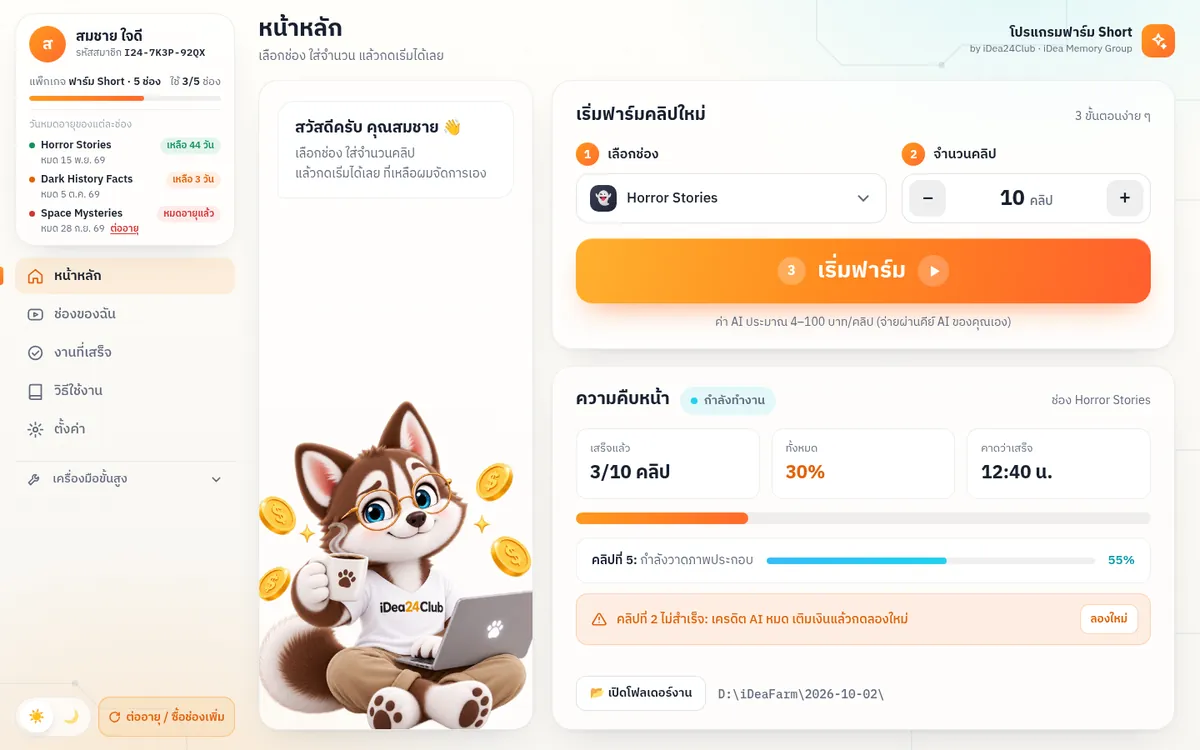
Automatic short-video farm for YouTube Shorts and Facebook Reels (Thai UI).
Disclaimer: All products are for the buyer's personal use. There is no guarantee of income, sales or results. Content is not legal, tax or financial advice · Platform and tool names mentioned (e.g. Amazon KDP, Etsy, Teachers Pay Teachers, Stripe) are trademarks of their respective owners; we are not affiliated with or endorsed by them.
